



Enable enhanced conversions across your Google Ads account. It sends hashed first-party customer data (SHA256) alongside your existing conversion tags, giving Google’s matching systems more signal to work with. For ecommerce advertisers, that means more accurate attribution and sharper inputs for smart bidding, without exposing raw customer data to anyone.
TL;DR:
- Using hashed first-party data can significantly improve conversion attribution, especially for cross-device and cookie-restriction scenarios, leading to better smart bidding input.
- Proper setup requires validating tag firing, formatting customer data correctly, and ensuring consent compliance; rushed implementation causes most issues.
- Accurate matching depends on clean data, such as lowercased emails and properly formatted phone numbers, to avoid silent failures.
- Consolidation of enhanced conversions into one account setting begins in April 2026, simplifying management but still requiring ongoing data hygiene.
- Continuous monitoring, legal compliance, and a thorough technical audit are essential, as misconfigurations can subtly reduce conversion tracking effectiveness.
Table of Contents
- What are enhanced conversions in Google Ads?
- Why enhanced conversions matter for your campaign performance
- What you need before you start implementation
- How to set up enhanced conversions using the Google tag
- Google Tag Manager and server-side alternatives
- How do you validate that it’s working?
- Consent, privacy and compliance requirements
- Troubleshooting common enhanced conversions problems
- How Oxedent approaches enhanced conversions for ecommerce accounts
- Why measurement hygiene should come before optimisation
- Get your enhanced conversions set up properly
- Sources
What are enhanced conversions in Google Ads?
Enhanced conversions supplement your existing conversion tags rather than replace them. When a customer converts, your site sends Google securely hashed first-party data, typically email, phone number, or address, so Google can match that conversion to a signed-in Google Account even when a click ID goes missing. The hashing standard is SHA256, and Google accepts values as unhashed (Google hashes them for you) or pre-hashed, depending on your setup.
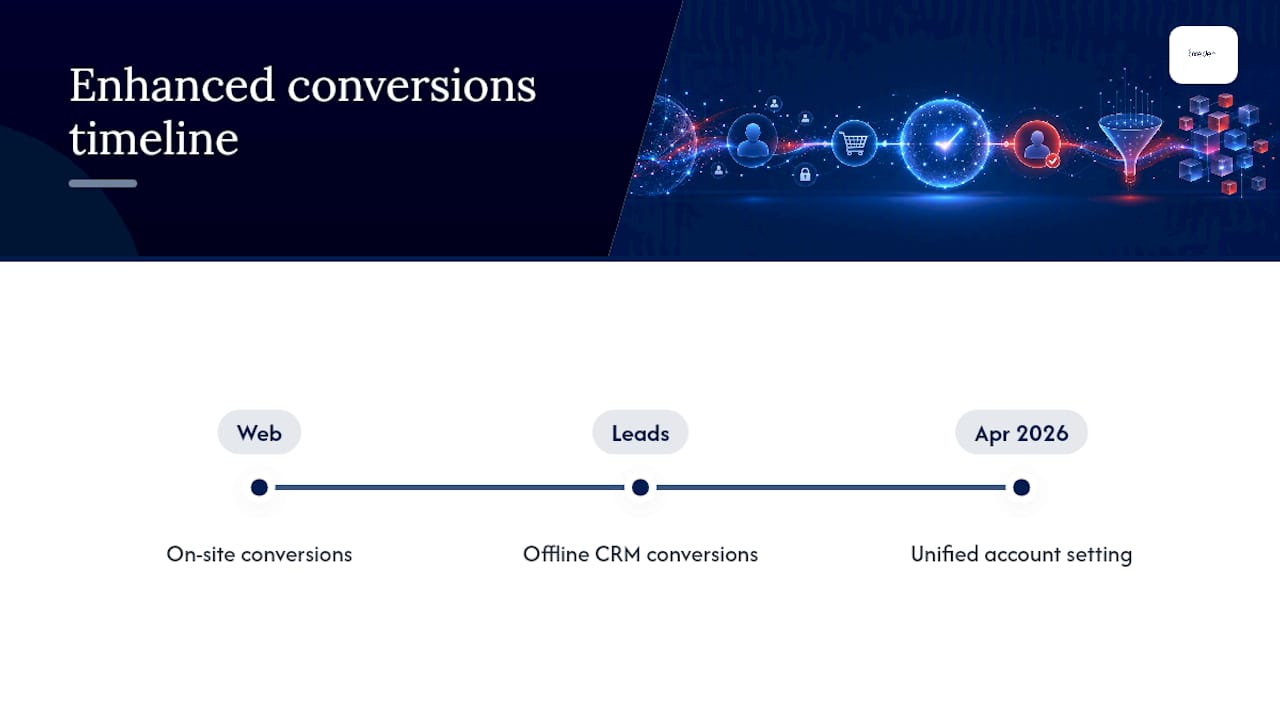
There are two flavours: enhanced conversions for web (customer actions on your site) and enhanced conversions for leads (offline or CRM-based conversions). Historically these ran as separate account settings. From April 2026, Google is consolidating both into a single unified account-level setting, so you toggle enhanced conversions on once rather than configuring it action by action.

Why enhanced conversions matter for your campaign performance
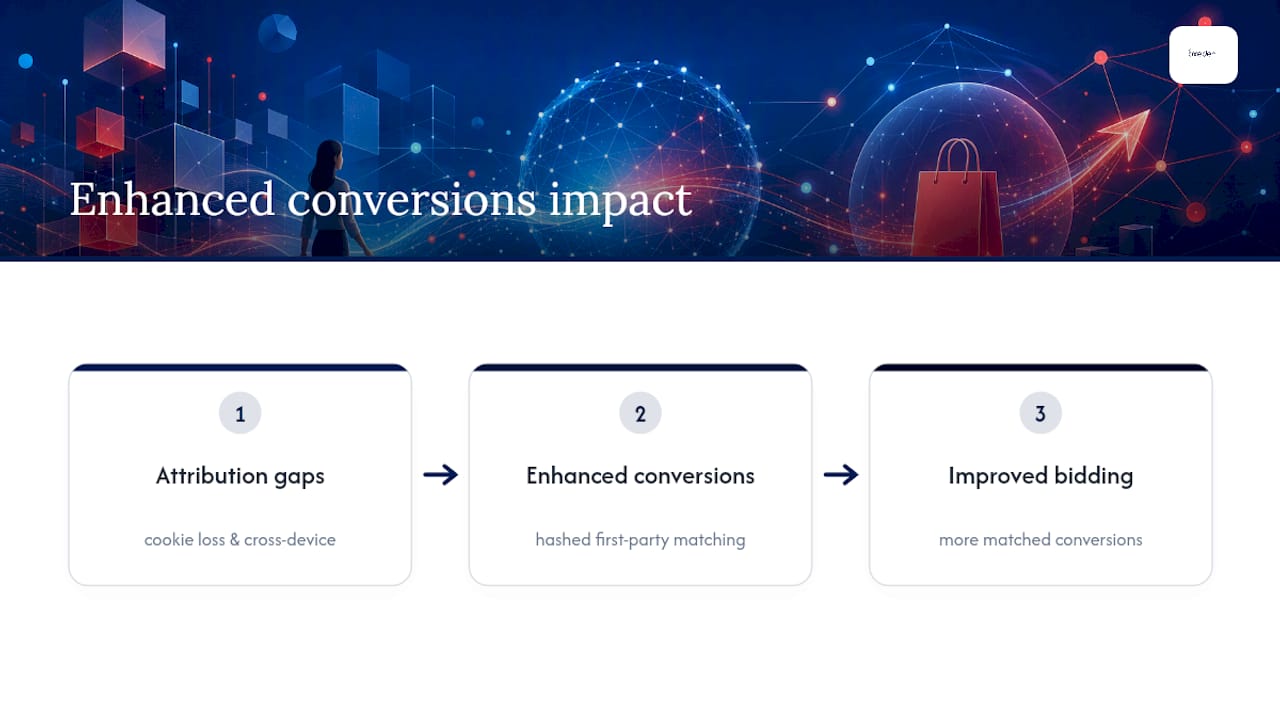
More matched conversions mean more training data for Google’s bidding algorithms. Smart Bidding and modelled conversions depend on volume and accuracy. When you feed them richer, verified conversion signals, Google’s own guidance confirms this directly improves measurement and bidding outcomes, particularly for high-value actions like purchases.
Enhanced conversions exist to close specific gaps. Cookie attrition from browser restrictions and privacy settings means a growing share of genuine conversions never get attributed to the click that caused them. Cross-device journeys, where someone clicks an ad on mobile but buys on desktop, create the same blind spot. Hashed first-party matching recovers a meaningful chunk of that lost attribution because it identifies the customer via their Google Account rather than a cookie that may no longer exist by the time they check out. Industry guidance increasingly treats this as foundational measurement infrastructure for ecommerce, not an optional add-on for advanced accounts.
What you need before you start implementation
Get these in place before you touch the settings menu. Rushing this stage is where most enhanced conversions rollouts stall.
- Confirm your Google tag (or Google Tag Manager container) fires correctly on every page, especially your order confirmation or thank-you page.
- Identify exactly which pages represent a conversion, and check whether your checkout flow redirects in ways that could break tag firing.
- Map your data fields: which system holds customer email, phone, and order ID, and in what format.
- Format phone numbers to E.164: a leading plus sign, country code, and digits only, no spaces or brackets.
- Confirm your consent framework, ideally Consent Mode, is live so data collection respects visitor choices.
- Loop in a developer and, if you operate in the EEA or UK, someone from legal or compliance, before you go live.
How to set up enhanced conversions using the Google tag
The Google tag method is what Google recommends for most ecommerce sites, and it’s the fastest route to reliable data.
- Turn on enhanced conversions in your Google Ads account under Conversions settings, and accept the Google Ads Data Processing Terms when prompted. You cannot proceed without this.
- Choose your collection method. Automatic detection scans your checkout form for recognisable fields like email and phone with minimal setup, but it’s the least precise option. CSS selectors or JavaScript variables give you more control by pointing directly at the fields holding customer data. A code snippet, where you populate a
user_dataobject directly in your tag, is the most accurate route and takes priority if multiple methods run simultaneously. - Build your payload. A typical
user_dataobject includes hashed email, hashed phone in E.164 format, and address fields where available. Decide upfront whether you’re sending pre-hashed values (your developer hashes with SHA256 before sending) or unhashed values (Google hashes automatically). Don’t mix conventions across pages, it causes matching failures. - Validate before you trust it. Run Conversion diagnostics and Tag Assistant to confirm the tag fires and enhanced conversion pings are processed. Tag status can take up to 48 hours to update, and Google typically needs around 30 days before the impact on bidding becomes visible.
Pro Tip: Never assume automatic detection has picked up the right fields just because the tag shows as “active.” Run a test purchase and inspect the actual payload in Chrome DevTools, don’t just trust the green tick in Tag Assistant.
Google Tag Manager and server-side alternatives
The Google tag method covers most standard ecommerce builds, but two alternatives suit specific situations.
Google Tag Manager (GTM) works well when your team already manages tags through a GTM container. You’ll configure dataLayer variables to capture customer data at the point of purchase and pair enhanced conversions with the Conversion Linker tag to preserve click data across sessions. The common pitfall is dataLayer timing: if the variable fires before the checkout page fully populates customer data, you’ll send empty or partial fields, and matching rates quietly collapse without any obvious error.
Server-side tagging or the Google Ads API suits larger operations: multi-domain retailers, businesses with strict data governance requirements, or teams that want to send pre-hashed data with full control over hygiene before it ever reaches Google. It’s more work to build and maintain, but it removes browser-side variability entirely.
- Small to mid-size stores with a single domain: Google tag method.
- GTM-native teams already managing several tags through one container: GTM with dataLayer variables.
- Multi-domain retailers or teams with dedicated engineering resource: server-side or API implementation.
How do you validate that it’s working?
Don’t take the “enabled” toggle at face value. Confirm the data is actually flowing and actually helping.
- Open Conversion diagnostics in Google Ads and check that enhanced conversion pings show as processed, not just received.
- Trigger a real or test conversion, then inspect the network request in Chrome DevTools to confirm the
user_dataobject is present and properly hashed, not sent as plain text. - Watch your conversion volume over the following weeks. A genuine uplift in matched conversions, particularly on high-value actions, is the signal it’s working.
- Give it time. Tag status can confirm within 48 hours, but meaningful impact on bidding performance takes roughly 30 days to stabilise as Smart Bidding recalibrates against the new data.
Resist the urge to judge results in week one. Bidding algorithms need a full cycle of data before the extra signal shows up in your ROAS.
Consent, privacy and compliance requirements
You cannot switch this on and forget about it. Accepting the Google Ads Data Processing Terms is mandatory when you enable enhanced conversions, and it carries genuine legal weight around how customer data is handled.
- Enable Consent Mode so
ad_storageand related signals respect each visitor’s consent choice before any data collection happens. - In the EEA and UK, Google will not process user-provided data for a conversion where consent wasn’t granted, so a weak consent banner directly costs you matched conversions, not just a compliance headache.
- Update your privacy policy to explicitly disclose that hashed customer data is shared with Google for conversion matching.
- Involve your legal or compliance team before launch, not after a regulator or customer asks questions.
Treat consent infrastructure as part of the technical build, not a separate legal formality bolted on afterwards.
Troubleshooting common enhanced conversions problems
Most enhanced conversions issues trace back to data formatting, not the tag itself.
- Inconsistent email formatting. Trim whitespace and lowercase every email before hashing, mismatched casing between your CRM and checkout form quietly kills matches.
- Phone numbers not in E.164. Anything missing the country code or containing spaces, dashes, or brackets will fail to match reliably.
- Missing GCLID. Check for cross-domain tracking gaps or session-cookie issues, particularly if checkout happens on a different subdomain or a third-party payment gateway.
- Conversions dropped after enabling the feature. Verify the Data Processing Terms were actually accepted (this step is easy to miss) and confirm the tag is still firing as expected on the confirmation page.
Pro Tip: When matching rates disappoint, don’t rebuild the whole implementation. Pull a single sample payload from DevTools and check it field by field against Google’s format requirements, the fault is almost always one malformed value.
How Oxedent approaches enhanced conversions for ecommerce accounts
Getting enhanced conversions right is less about ticking a settings box and more about ongoing data hygiene. Oxedent treats it as a standard part of any conversion tracking audit for ecommerce accounts, not an optional extra.
The QA approach includes a proper developer handover, sample payload testing before launch, and 7 to 14 days of early monitoring against Conversion diagnostics before declaring a rollout complete. Rushed implementations rarely survive their first data audit.
Why measurement hygiene should come before optimisation
Most ecommerce accounts chase bidding tweaks and audience changes while running on incomplete conversion data underneath. That’s backwards. Smart Bidding can only optimise against what it can see, and cookie attrition means it’s seeing less every year. If your account still relies solely on legacy tagging, an audit is overdue before you spend another pound testing new campaign structures on flawed foundations.
— Biplab
Get your enhanced conversions set up properly
Reading the setup steps is one thing. Getting hashed payloads firing correctly across every checkout variant, consent state, and browser is another matter entirely, and it’s where most in-house teams lose weeks to trial and error. Oxedent runs enhanced conversions setup, validation, and ongoing QA as part of its eCommerce PPC management service, built specifically for retail brands with meaningful ad spend rather than agencies managing dozens of unrelated accounts.


The outcome is straightforward: cleaner conversion data feeding Smart Bidding, fewer silent matching failures, and a measurement setup that holds up under scrutiny. If your account is still running on legacy tagging or you’re unsure whether your current enhanced conversions setup is actually matching, consider contacting an eCommerce PPC specialist for an account audit to identify data issues.
Sources
For ongoing reference, keep Google’s enhanced conversions overview and Google tag setup guide close at hand, along with the account-level migration notes for April 2026. For consent and data terms, the Data Processing Terms and policy page covers what’s required in the EEA and UK. On the conversion optimisation side, eCommerce urgency to increase conversions is a useful companion read on capturing better on-site customer data in the first place.
- About enhanced conversions – Google Ads Help
- Set up enhanced conversions for web using the Google tag