


Run the Meta Conversions API (CAPI) alongside your existing pixel, never as a replacement for it. Enable Enhanced or Maximum data sharing through Shopify’s native Meta integration if you want speed, install a trusted app like Stape or Conversios if you need better parameter capture, or build custom if you have the developer resources for full control. Whichever route you pick, verify events in Meta Events Manager and watch your Event Match Quality score climb before you trust the numbers.
TL;DR:
- Native Shopify integration is the fastest and free option, suitable for stores with modest ad spend and simple checkout flows, but it may leave gaps for larger campaigns.
- Third-party apps like Stape or Conversios cost monthly fees and improve data capture, especially for click IDs and multi-platform forwarding, with better support for advanced needs.
- Verifying CAPI requires checking both the Events Manager for server events and the Shopify admin for matching order data, ensuring no duplicate events or mapping errors.
- Common issues include expired access tokens, poor event mapping, duplicate events, and missing identifiers like fbclid, which can be fixed with proper setup and troubleshooting.
- Sending customer data to Meta must comply with privacy laws by hashing identifiers, obtaining lawful consent, and keeping detailed logs for audits.
Table of Contents
- Which conversion API for Shopify fits your store?
- How do you set up CAPI using Shopify’s built-in Meta integration?
- What do third-party CAPI apps solve that native setup doesn’t?
- How do you verify CAPI is actually working?
- Common CAPI problems on Shopify and how to fix them
- What privacy rules apply when sending customer data to Meta?
- When should you DIY, and when do you bring in an agency?
- Get CAPI implemented properly with Oxedent
- Where to go for setup documentation
- Sources
Which conversion API for Shopify fits your store?
Three routes get you to server-side tracking, and they sit at very different points on the speed-versus-control scale.
Shopify’s native Meta integration is the fastest option and costs nothing extra. It works directly inside your Shopify admin and suits stores with modest ad spend and straightforward checkout flows. Selecting Enhanced or Maximum data sharing unlocks server-to-server Conversions API events automatically, so purchases still reach Meta even when a browser blocks the pixel.
Third-party apps cost a monthly fee but solve problems native setup leaves behind, particularly around click ID capture and hashing.
Custom server implementation demands developer time but gives full control over every parameter sent.
- Native Shopify: fastest, free, adequate for single-platform, lower-spend stores.
- Third-party app: moderate cost, best for multi-platform forwarding and higher ad spend.
- Custom build: highest cost and maintenance, justified only at scale or with unusual data needs.
How do you set up CAPI using Shopify’s built-in Meta integration?
Shopify’s native path takes under half an hour for most stores. Follow this sequence inside your Shopify admin and Meta Business Manager:
- Open Settings > Apps and sales channels, add the Meta channel if it isn’t installed, and connect your Meta Business Manager account.
- In the channel settings, select Enhanced or Maximum data sharing. Standard alone will not activate server-side events.
- Confirm your Meta pixel is linked and that the connection shows an active server token, not just a browser pixel ID.
- Check that standard ecommerce events (ViewContent, AddToCart, Purchase) are toggled on, and confirm fbclid and fbc parameters are being captured at checkout.
- Enable event_id deduplication so the same conversion sent by both the browser pixel and the server event isn’t counted twice.
- Place a test order and check that it lands in Meta Events Manager within a few minutes.
Pro Tip: Use a genuinely small test order rather than a £1 discount code. Some merchants find that heavily discounted test transactions get flagged oddly in Events Manager, which muddies your first read on match quality.
What do third-party CAPI apps solve that native setup doesn’t?
Native Shopify data sharing covers the basics well, but it leaves gaps that become expensive once your ad spend grows. Apps built specifically for Facebook Conversions API on Shopify, such as Stape, tend to close three gaps at once: automatic hashing of customer identifiers, consistent capture of fbclid, fbc, and fbp across every session, and multi-platform forwarding with built-in deduplication logic.
Before choosing one, run it through a short checklist:
- Does it capture click IDs reliably across mobile and desktop checkout flows?
- What’s the actual monthly fee once you exceed the free order tier?
- How responsive is support when server events stop arriving?
- Does it log every event sent, so you can audit failures?
- Can you configure custom mappings for transaction value and currency fields?
Listings like Conversios advertise low-code multi-pixel and CAPI forwarding, but pricing tiers and permission requests vary. Read both before installing.
How do you verify CAPI is actually working?
Verification happens in two places, not one. Meta Events Manager is where the truth lives; Shopify admin is where you confirm the order data matches.
- Open Events Manager and filter for events tagged Server. If nothing appears after 15 minutes, the connection isn’t sending, not just running slowly.
- Check the Event Match Quality score for your Purchase event. An improving Event Match Quality score over your first week indicates your setup is working.
- Place a test order and confirm the Purchase event carries the correct value, currency, and transaction_id, with no duplicate Purchase event logged for the same order.
- Compare Shopify’s order count against Meta’s reported purchases over a couple of days. A substantial gap often points to a mapping or deduplication fault.
One detail catches almost everyone out on their first CAPI test: browser pixel helper extensions will show zero activity even when server events are firing correctly, because those tools only read browser-side pixel calls. Trust Events Manager and server logs, not a browser extension, when judging whether CAPI is live.
Common CAPI problems on Shopify and how to fix them
Most CAPI failures on Shopify trace back to one of four causes, and merchant support threads show the same handful repeating.
- No server events arriving: check your access token hasn’t expired, confirm the app has the right permissions, and review webhook delivery logs for failed calls.
- Low Event Match Quality: make sure hashed email and phone are being sent, and confirm fbclid is captured at the checkout step, not just on the landing page.
- Duplicate Purchase events: implement event_id deduplication properly and check you haven’t left a second pixel snippet running from an old theme edit.
- Wrong purchase values: verify Shopify’s event mapping against Meta’s expected fields, especially currency code and transaction_id consistency.
Pro Tip: If match quality plateaus below “good” despite hashing everything correctly, check whether your checkout page is stripping the fbclid parameter during redirects. It’s a frequent, invisible culprit.
What privacy rules apply when sending customer data to Meta?
Sending customer identifiers to an ad platform carries real compliance weight, not just a technical checkbox.
- Hash every personal identifier (email, phone) with SHA-256 before it leaves your server; never send plain text.
- Send customer data only where you have lawful consent under UK GDPR, and make sure your privacy policy names Meta as a data recipient.
- Use consent mode or a server-side consent check so opted-out visitors’ data never reaches Meta’s servers in the first place.
- Send the minimum fields needed for matching, and keep logs of what was sent and when, in case of an audit.
When should you DIY, and when do you bring in an agency?
DIY suits low ad spend and a single-platform setup; the native Shopify path handles that well. Once spend climbs, multiple channels enter the mix, or match quality stalls despite your best efforts, the maths shifts toward hiring specialist help. A capable agency runs a full audit, handles implementation and event mapping, then monitors performance against ROAS, not vanity metrics. When briefing one, state your current spend, platforms, and where tracking specifically breaks down.
— Biplab
Get CAPI implemented properly with Oxedent
Getting CAPI wrong costs you real ad spend, not just a tidier dashboard. Specialist agencies run full conversion tracking audits and handle CAPI implementation and ongoing monitoring for established Shopify stores, without locking you into a long contract. The goal is straightforward: stronger Event Match Quality, ROAS figures you can actually trust, and fewer conversions vanishing before they reach Meta’s ad algorithm.


This work sits alongside broader account management, including Google Shopping setup and Performance Max structures, because tracking accuracy underpins every channel, not just Meta. If your Shopify store is spending meaningfully on ads and the numbers in your ads manager don’t match what your store actually sold, request an audit through Oxedent’s ecommerce PPC management page and get a clear read on where your tracking is leaking.
Where to go for setup documentation
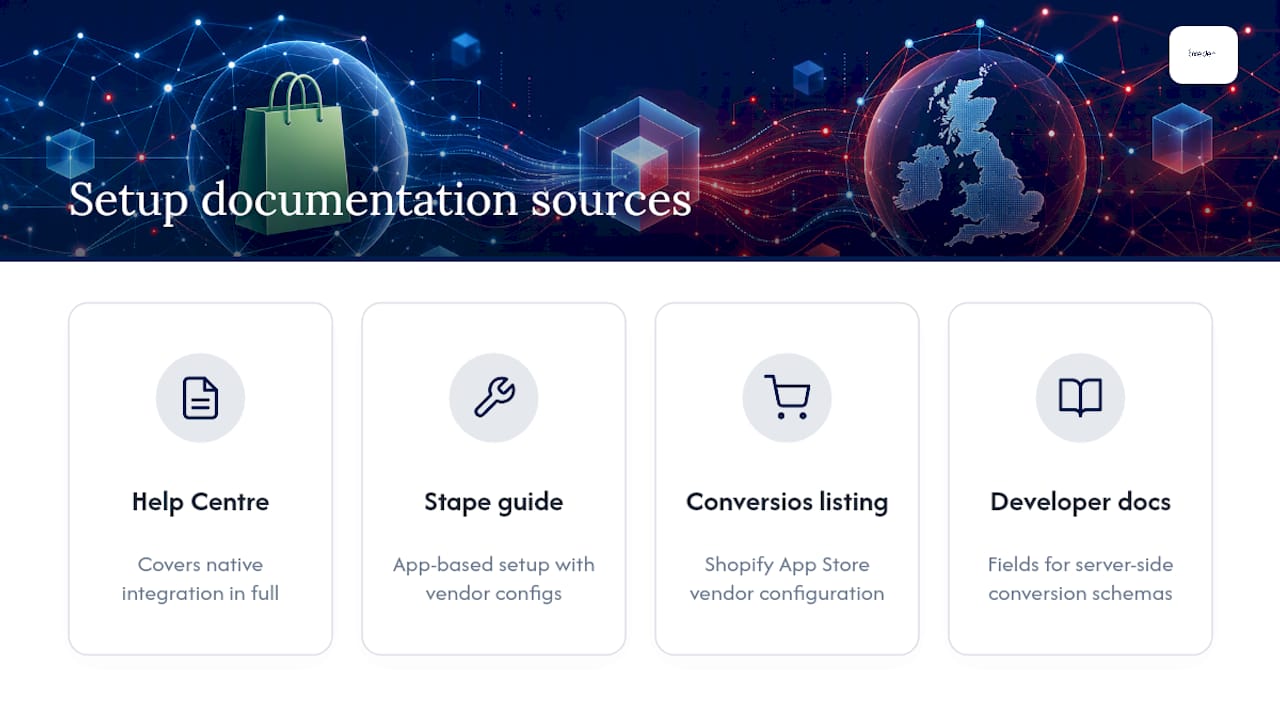

Shopify’s own Help Centre guide on Meta data sharing covers the native integration in full. For app-based routes, the Stape setup guide and the Conversios listing on the Shopify App Store both detail vendor-specific configuration. For a deeper technical view of event mapping, Shopify’s developer documentation outlines the fields available for server-side conversion schemas.